


Prusa Core One vs Bambu Lab P2S: Open Ecosystem or the Faster Appliance

Owen Hartley
November 20, 2026
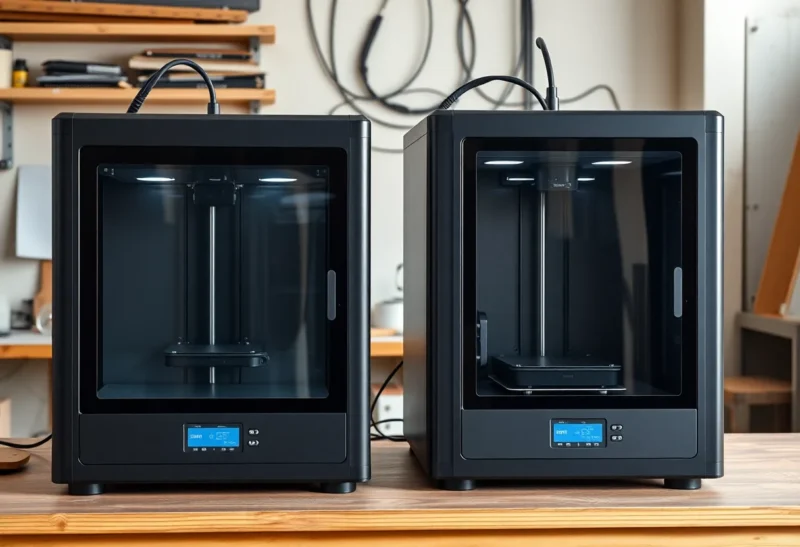
You have narrowed your next printer down to two enclosed CoreXY machines: the Prusa CORE One and the Bambu Lab P2S. Both print PLA with the door closed, both handle ABS and ASA, and both have a multicolor path. Yet one costs roughly twice as much as the other, and owners of each tend to defend their choice with surprising energy. The difference is less about print quality and more about what kind of ownership you want: an open machine you can rebuild yourself, or a polished appliance tied to its maker’s ecosystem.
Rather than walk through specs line by line, this comparison is organized around the priorities that usually decide the purchase. Find the ones that match you.
Which CORE One you are actually buying in 2026
Prusa has iterated the CORE One quickly, which confuses searches. The original CORE One started shipping in January 2025. In November 2025 Prusa released the CORE One+, which adds automatic top-vent operation for low-temperature materials, easier feeding of flexible filaments and a new bayonet-style spool holder, with firmware and slicer profiles shared between the two. In August 2026 Prusa’s lineup refresh brought what it calls CORE One+ (Gen 2): a thermal expansion joint in the heatbed for faster print starts, GT1.5 belts, a snap-on top panel and a nozzle wiper. Older owners can buy upgrade kits for each step.
There is also the larger CORE One L, launched in October 2025 with a 300 x 300 x 330 mm build volume, a convection heatbed and a chamber that Prusa rates to 60 °C. Prusa’s comparison table lists it from $1,799. It is a different size class from the P2S, so this article focuses on the standard CORE One+, which is the model most buyers compare with Bambu’s P2S. On the Bambu side, the P2S launched in October 2025 as a reengineered successor to the P1S; if you already own a P1S, our P2S vs P1S comparison covers whether that upgrade makes sense.
The two machines side by side
Figures below come from Prusa’s CORE One+ product page and Bambu Lab’s P2S specifications and launch announcement. Prices are US figures at the time of writing and change frequently with promotions.
| Feature | Prusa CORE One+ | Bambu Lab P2S |
|---|---|---|
| Build volume | 250 x 220 x 270 mm (14.9 L) | 256 x 256 x 256 mm (about 16.8 L) |
| Chamber | Enclosed steel frame, chamber up to 55 °C, automatic vent | Enclosed, no active chamber heating, Adaptive Airflow flaps |
| Max nozzle / bed temperature | 290 °C / 120 °C | 300 °C / 110 °C |
| Stock nozzle | Brass CHT 0.4 mm, quick-swap | Hardened steel 0.4 mm, quick-swap |
| Published speed | No official top-speed or acceleration figure | 600 mm/s, 20,000 mm/s² |
| Multi-material | MMU3 (5 filaments) or INDX tool changer (up to 8) | AMS 2 Pro and AMS HT, up to 20 slots |
| Purchase options | Kit or assembled | Assembled only |
| Starting US price | Assembled from $1,299 on Prusa’s store | $549 printer, $799 Combo at launch |
| Made in | Prague, Czech Republic, and Delaware, USA | China |
If you want the most prints per hour with the least fuss
The P2S is built for this. Bambu publishes a 600 mm/s toolhead speed and 20,000 mm/s² acceleration, and its servo extruder is rated at up to 8.5 kg of extrusion force with clog and grinding detection. An eddy-current sensor runs automatic flow-dynamics calibration, and the printer runs Bambu’s vibration compensation routine, its version of input shaping. A 1080p camera supports AI detection of spaghetti failures, nozzle blobs and printing in mid-air.
Prusa does not publish a top speed or acceleration number for the CORE One. Tom’s Hardware, in its review, noted the omission and estimated the CORE One at about 15 to 20 percent faster than the MK4S at the same default settings, mostly from higher travel and infill acceleration. The CORE One also uses input shaping, and a load-cell sensor in the Nextruder handles automatic bed leveling.
In real prints, speed is limited more by how fast the hotend can melt plastic and how well layers can be cooled than by the motion system’s peak figures. Still, if your priority is pressing print and walking away with a fast, ready-to-go machine, the P2S gives you more of that per dollar. It arrives assembled, and Bambu’s setup process is designed for people who do not want to tune anything.
If you want to repair, modify and own the machine outright
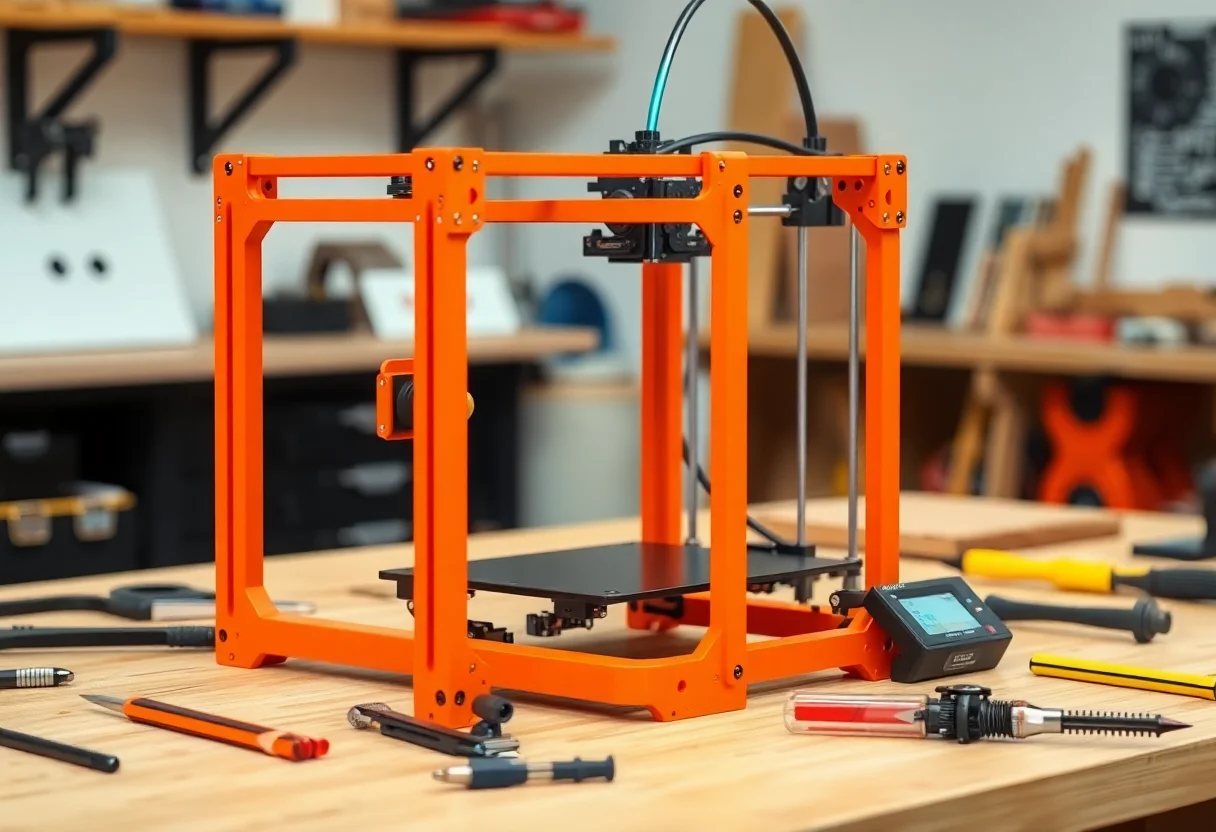
This is where the CORE One earns its premium. Prusa publishes its firmware source code on GitHub and CAD files for its printers on Printables, and PrusaSlicer is open source. Because Prusa publishes its printed parts as files, you can print many replacement and upgrade parts yourself. The upgrade path from CORE One to CORE One+ is a good example: Prusa offers the needed parts as printable files or as an inexpensive official kit, rather than requiring a new printer.
The kit option matters too. Building the printer yourself saves a few hundred dollars over the assembled version and teaches you how every part fits together, which pays off the first time something needs attention. Prusa’s assembly manuals and help center articles are published online for every step, so you can look up a part before you take anything apart.
Bambu Lab also documents maintenance on its wiki and sells spare parts, including complete quick-swap hotends. But the firmware is closed, the hardware design files are not published the way Prusa’s are, and the printer is designed to be maintained by swapping modules rather than modified. Bambu Studio is itself open source and derived from PrusaSlicer, but the printer it talks to is not.
If you print ABS, ASA and other warp-prone materials
Both printers are enclosed, and both are a big step up from open-frame machines for materials that shrink as they cool. The approaches differ.
The CORE One has no separate chamber heater, but Prusa rates the chamber to 55 °C, reached with heat from the bed and regulated by fans and the top vent. Reviewers have described this as active chamber temperature management. A warm, stable chamber is one of the most effective defenses against corners lifting and layers splitting on large ABS or ASA parts. The heatbed reaches 120 °C. The larger CORE One L goes further with a chamber rated to 60 °C.
The P2S has no active chamber heating, according to Bambu’s own FAQ. Instead, Adaptive Airflow uses motorized flaps: for PLA, it pulls in outside air so you can keep the door closed; for ABS, ASA and similar materials, it keeps warm air in and recirculates it through an activated carbon filter. The bed reaches 110 °C. That is enough for most ABS and ASA hobby parts, but large, tall parts in these materials benefit from a warmer chamber. Our guide to why prints warp and how to stop corners lifting covers the other fixes that apply to either printer.
On abrasive filaments, the P2S has the edge out of the box: its hardened steel nozzle and hardened parts handle carbon and glass fiber blends without upgrades. The CORE One+ ships with a brass nozzle, so you will need to buy one of Prusa’s ObXidian or hardened nozzles. Our nozzle materials guide explains which filaments need that swap.
A practical note for either machine: ABS and ASA release fumes and fine particles while printing. An enclosure and carbon filter reduce odor but are not a substitute for ventilation, so print in a well-ventilated room and keep the printer out of living and sleeping areas. See our safety disclaimer for more.
If multicolor or multi-material printing is the main goal
Bambu’s system is the more mature and more affordable route to multicolor. The P2S Combo includes an AMS 2 Pro, a four-slot unit with filament drying and active venting. According to Bambu, the P2S can connect up to four AMS 2 Pro units and four AMS HT units, for 20 slots in total. The original AMS also works with a buffer; the AMS lite, designed for the A1 series, does not. The trade-off is waste: a single-nozzle system has to purge the old color with every change, so prints with many color changes produce noticeable purge waste and take longer.
Prusa offers two routes for the CORE One+:
- MMU3: a five-filament single-nozzle unit, available in an enclosed version for the CORE One. Prusa’s store listed the enclosed full kit at $369 at the time of writing. Like the AMS, it purges between colors. Prusa does not recommend its CHT or high-flow nozzles with the MMU3.
- INDX: a tool-changer developed with Bondtech that gives each filament its own nozzle, which largely removes purge waste. Orders opened in April 2026, with the 4-tool conversion kit announced at $749 and the 8-tool at $999 in the US; later listings have shown different figures, so check the current price. In August 2026 All3DP reported an assembled CORE One+ (Gen 2) with INDX starting at $1,999 for four tools and $2,249 for eight.
If you mostly want two to four colors for signs, toys and labels, the P2S Combo gets you there for far less money. If you want multi-material without the purge waste, or plan to combine materials like PLA and soluble supports regularly, INDX is a capable but much more expensive system.
If you care about cloud accounts, privacy and network control
Both companies offer cloud printing, but they handle local control differently.
Prusa printers work fully offline from a USB drive. Prusa Connect provides cloud monitoring and remote printing if you want it, and PrusaLink offers a local web interface on your network. Because the firmware is open, third-party tools can integrate without permission from Prusa.
Bambu Lab printers are designed around the Bambu cloud and the Bambu Handy app, which make remote printing and monitoring very easy. In 2025, Bambu rolled out authorization control firmware across its X1, P and A series, which restricted how third-party software can send jobs to the printer and introduced the Bambu Connect app as the approved bridge. After pushback, Bambu added a Developer Mode that works only in LAN-only mode: it restores the earlier, unauthenticated local access but disconnects from Bambu Cloud and features such as Bambu Handy and remote printing. If you rely on OrcaSlicer or home automation tools, our OrcaSlicer vs Bambu Studio comparison explains how that affects day-to-day slicing.
For most hobbyists this never becomes a problem. If you want your printer to keep working exactly as it does today regardless of the maker’s future decisions, the open Prusa approach is the safer bet.
If budget decides it
The P2S launched at $549, or $799 for the Combo with an AMS 2 Pro, and Bambu runs frequent sales. Prusa’s US store lists the assembled CORE One+ from $1,299 at the time of writing, and Prusa’s US reseller has shown a regular assembled price of $1,449, so promotions swing the number. The kit costs a few hundred dollars less than assembled.
For the price of one assembled CORE One+, you could buy a P2S Combo and still have money left for a year of filament. That gap is the core of the decision. You pay Prusa for openness, repairability, a heated chamber, support, and a machine you can keep upgrading over many years. You pay Bambu less for speed, convenience and a cheap multicolor path.
Where each printer is made and what it means for US buyers
Prusa Research designs and builds its printers in Prague, and it also manufactures in Delaware. According to Tom’s Hardware, the Delaware facility produces the MK4S and CORE One+, though some parts still come from Prague. Prusa’s US reseller says units it sells are built in Delaware, with no tariffs or duties added at delivery. Prusa lists a one-year warranty for US buyers, compared with two years in the EU.
Bambu Lab is a Chinese company and its printers are made in China. Whichever you choose, compare the final checkout total, including shipping and any duties, rather than the headline price.
Matching the printer to your priorities
- Choose the P2S if you want the fastest, simplest path to good prints, cheap multicolor with the AMS, abrasive filaments without upgrades, and you are comfortable inside Bambu’s ecosystem.
- Choose the CORE One+ if you value open firmware and published designs, want to build or repair the machine yourself, print a lot of ABS or ASA that benefits from a warmer chamber, or want a waste-free multi-material path through INDX.
- Look at the CORE One L if you need a larger build volume and a 60 °C chamber more than you need the lowest price.
Neither choice is a mistake. Both produce excellent prints. The real question is whether you would rather spend less and accept a closed system, or spend more for a printer you fully control.